 01
Friends
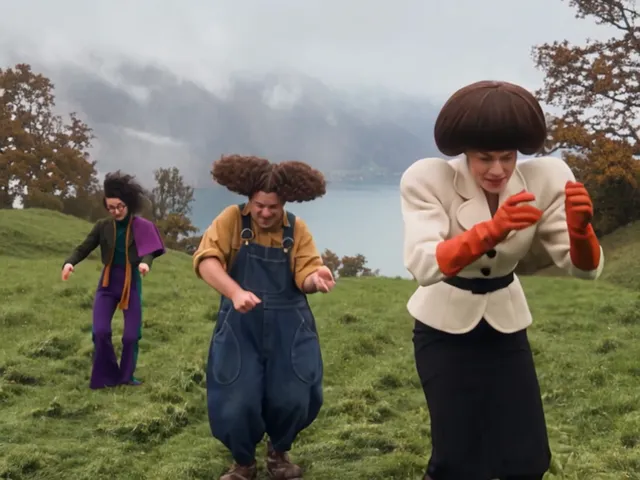
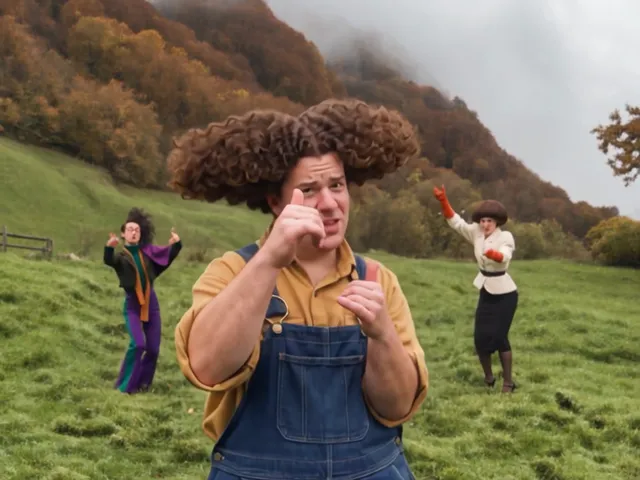
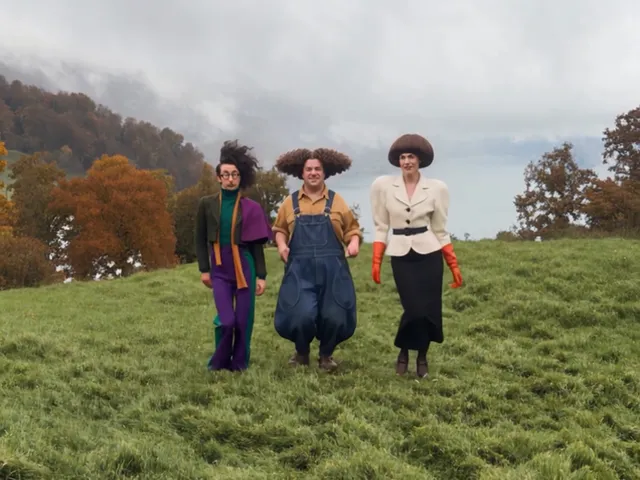
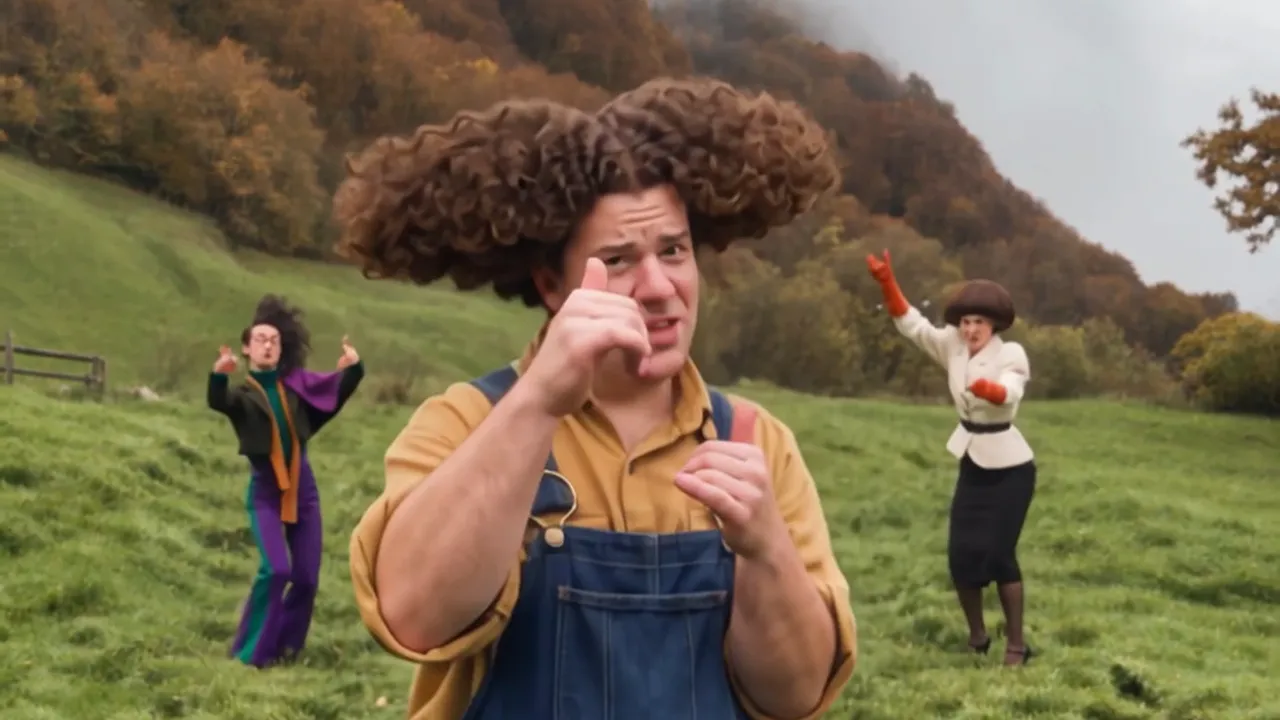
In a wassup dance with friends video you dance on a misty green hillside with a lake below. The wassup dance with friends template gives your photo the thumbs up close-up in the center spot.
Wassup dance from your photos
Upload one photo and get a 15-second Wassup dance video with you in the center.
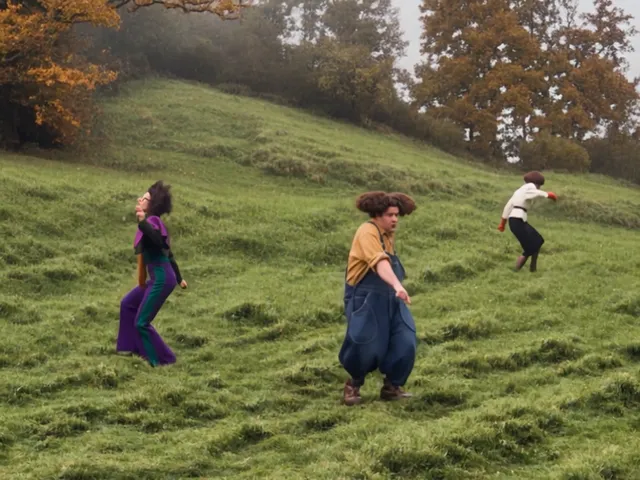
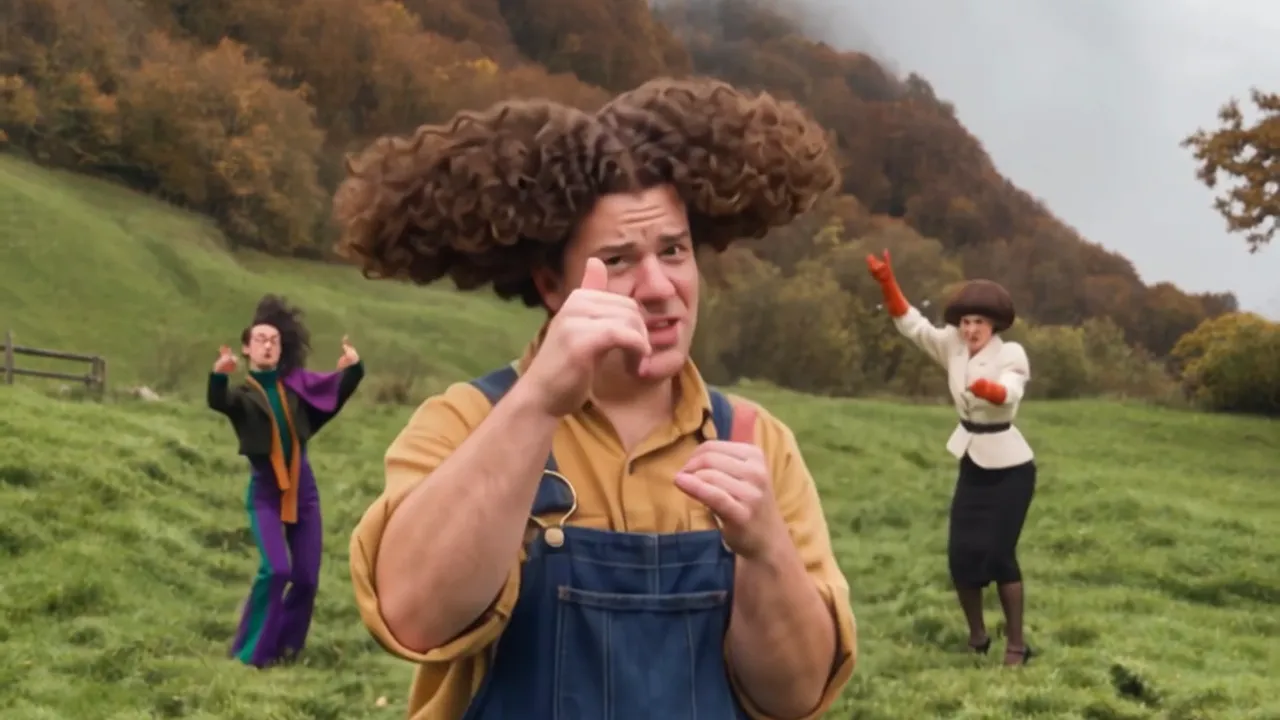 Wassup dance: example video made with Wassup Dance. This video was generated with Wassup Dance from photos. Three dancers bounce on a misty hillside above a lake, then the center dancer steps up with both thumbs up.
Selected template
Friends
In a wassup dance with friends video you dance on a misty green hillside with a lake below. The wassup dance with friends template gives your photo the thumbs up close-up in the center spot.
Center dancer*
Required. This dancer gets the close-up with both thumbs up.
Left dancer
Optional. Leave it empty to keep the dancer on the left from the clip.
Right dancer
Optional. Leave it empty to keep the dancer on the right from the clip.
Quality
Your photo stays in your browser until you select Generate video.
If no result is delivered, your credits return for a new generation.
No sign-up. Your purchase stays on this device. A backup code opens it on another device.
01In a wassup dance with friends video you dance on a misty green hillside with a lake below. The wassup dance with friends template gives your photo the thumbs up close-up in the center spot.
 02
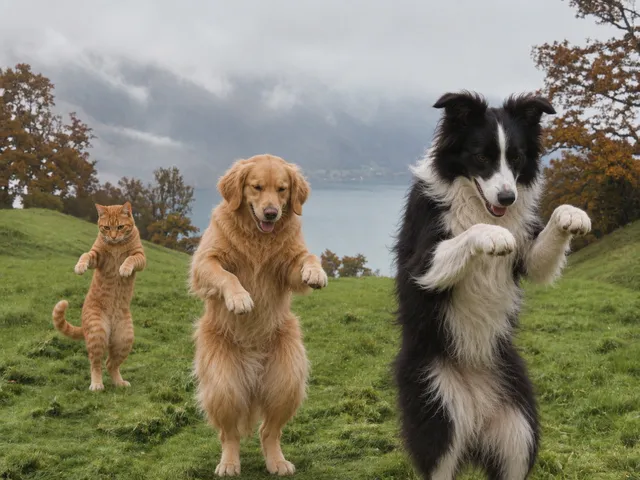
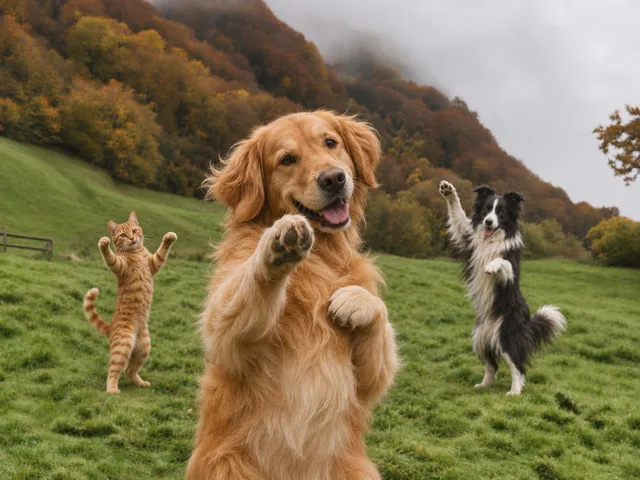
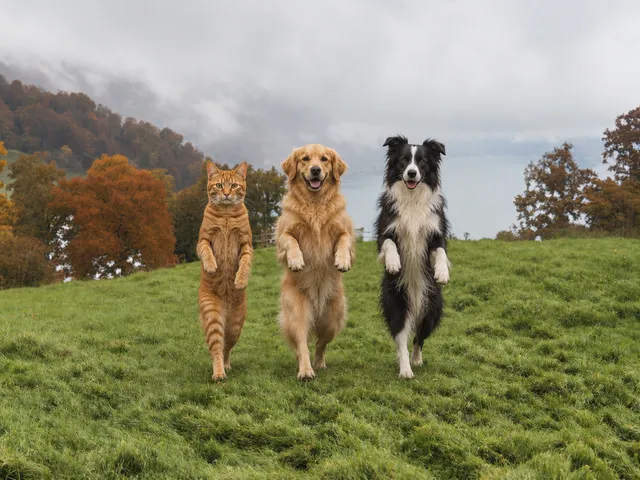
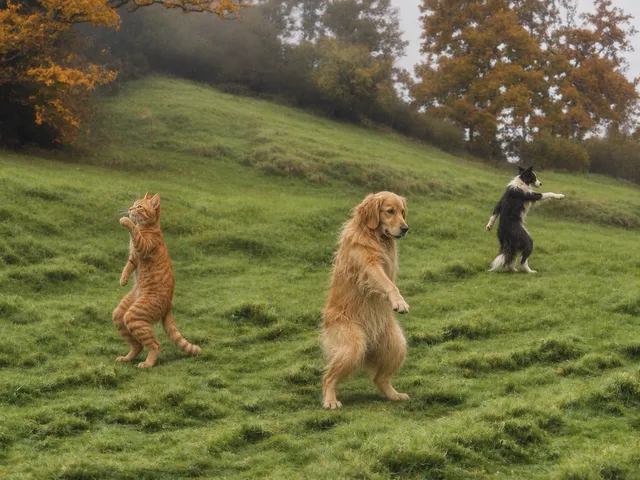
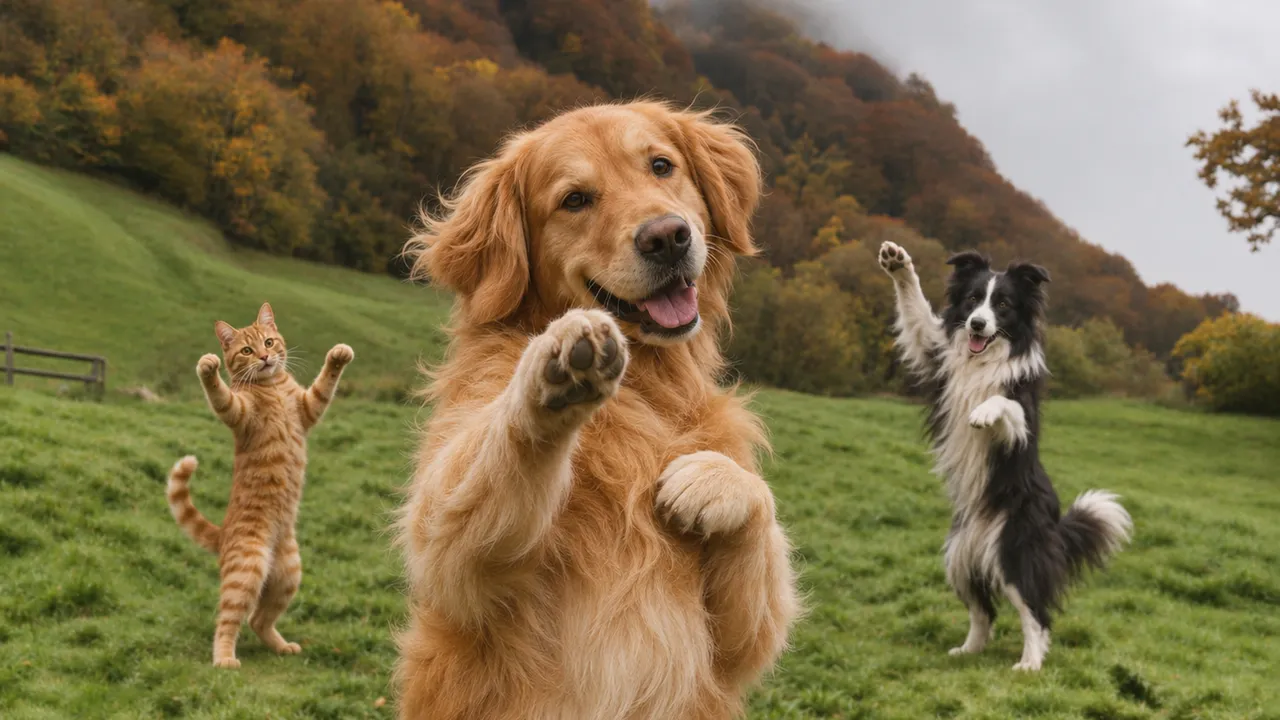
In a wassup dance pets video your dog or cat dances on a misty green hillside with a lake below. The wassup dance pets template gives your pet the close-up in the center spot.
Real frames from a real video
Wassup dance in three steps
Pick Friends for people or Pets for dogs, cats and other animals.
Put one photo in the center spot. Add left and right photos if you like.
Choose 480p, 720p or 1080p, generate and save your finished video.
Also called In a Minute Wassup
Wassup Dance helps friends, creators, pet owners and meme fans make Wassup dance videos. This browser tool turns one photo into a Wassup dance video on a misty green hillside. Your photo takes the center spot and gets the thumbs up close-up. Add friends or pets for the left and right spots, or keep the dancers from the clip. You write no prompts.
What is the Wassup dance?Focus and lighting
Show the whole face with no sunglasses, mask or hand over it.
Soft daylight on the face beats a flash or a side lamp.
Put one person or one pet in each photo. Each spot takes its own photo.
A waist up or full body photo brings your clothes into the video.
Before you generate
Yes, Wassup Dance makes the Wassup dance video from your own photos in your browser. Pick Friends for people or Pets for animals, add your photos and choose 480p, 720p or 1080p. People also call the dance In a Minute Wassup, Wassup Been a Minute or the Swiss side quest dance.
Upload a clear photo of your face for the center spot, choose 480p, 720p or 1080p and generate. Your face gets the close-up there. Add friends on the left and right or leave those spots empty. Download the finished video when it is ready.
No, one photo is enough. The center spot is the only required photo and it gets the close-up. Left and right photos are optional. An empty spot keeps the dancer from the clip, and three photos put you and two friends in the whole trio.
The example video at the top of the home page is a free preview of a finished Wassup dance video made with Wassup Dance. Creating your own video uses paid credits. One-time credits start at $9.90 USD. Credits do not expire and purchases add to the same balance.
Yes, but each new attempt uses credits again. A delivered video uses its credits. AI video tools charge for each generation, including Runway and Kling. The result depends on your photos, so use sharp, front-facing photos in even light. Check every preview before paying for another attempt.
Yes, Wassup Dance generated the video at the top of the home page from photos. It is a real result from the same tool you use. Press play to see how the three dancers keep their look in every shot. Your own video follows the same steps and uses credits.
Your finished video arrives within 30 minutes after you upload your photos and start generation. The template already holds the dance, so there is nothing to write or edit. Check the result page or My videos for progress. When the clip is ready, download the MP4 to your device.
A 480p video uses 1 credit, a 720p video uses 2 credits and a 1080p video uses 5 credits. 1 credit: $9.90 USD. 2 credits: $19.90 USD. 5 credits: $39.90 USD. Plans are one time purchases. Credits never expire. Buy credits by card or PayPal and keep your backup code to use the same credits on another device.
Use a sharp photo of one person or one pet, facing the camera in even light, with nothing covering the face. A waist up or full body photo also shows the clothes you want to keep. Each JPG or PNG accepts up to 10 MB. Keep the shortest edge at least 512 pixels and the longest edge at most 4096 pixels.
The center spot gets the close-up. In the second shot the center dancer steps up to the camera with both thumbs up while the other two wave behind. That is why the first photo goes in the center spot, so pick the face you want to show up close.
Yes, choose the Pets template and add a photo of your dog or cat for the center spot. Left and right pets are optional. The pets dance upright on their hind legs, with their front paws where the dancers use their hands. Use one pet per photo with the face clearly visible.
You wear your own clothes when your photo shows them, so a waist up or full body photo works best. With a face close-up only, the Friends template dresses the center dancer in a navy sweater and jeans, the left dancer in a cream sweater and a gray skirt and the right dancer in a beige sweater and jeans.
Yes, Wassup Dance keeps every move from the clip. The tool swaps the people in the real footage instead of generating new motion, so the bounce, the hands on the head, the thumbs up and the walk toward the camera stay as they are. The camera shots and the hillside stay the same too.
Yes, Wassup Dance puts your photo into the Wassup dance clip. Your photo takes the center spot and the clip keeps its moves, its shots and its misty hillside. Add photos for the left and right spots to swap your friends in as well. The tool runs in your browser and needs no account.
Wassup dance pricing
One-time purchase. No subscription. Card or PayPal.
Join the Wassup dance trend